Eight small tools.
One widget.
Taymio is a universal desktop widget for Windows only. Clock, alarm, stopwatch, a timer with Pomodoro mode, a calendar with reminders, calculator, radio and your own music, and a scheduled shutdown.
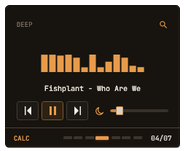
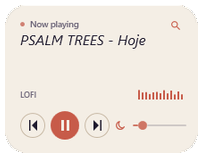
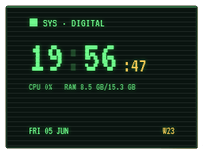
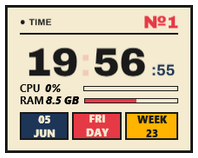
A closer look.
Static previews — not interactive. They show what each tool actually looks like in its widget window.
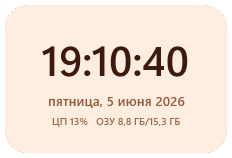
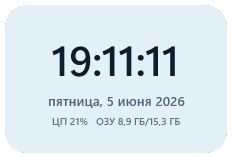
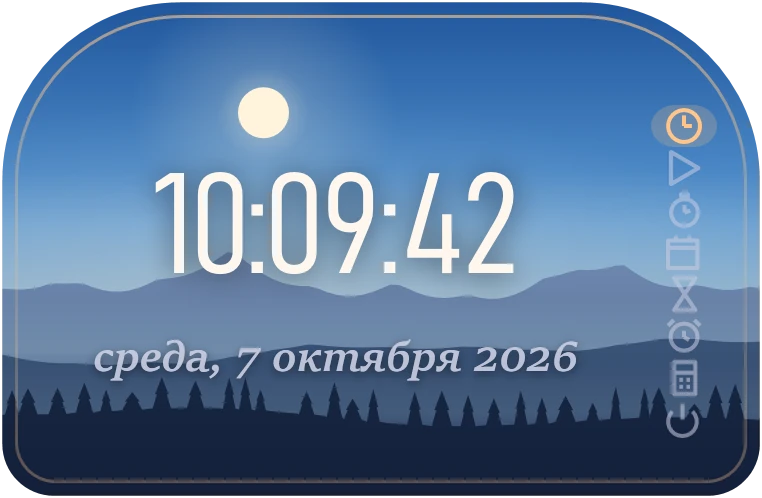
Clock
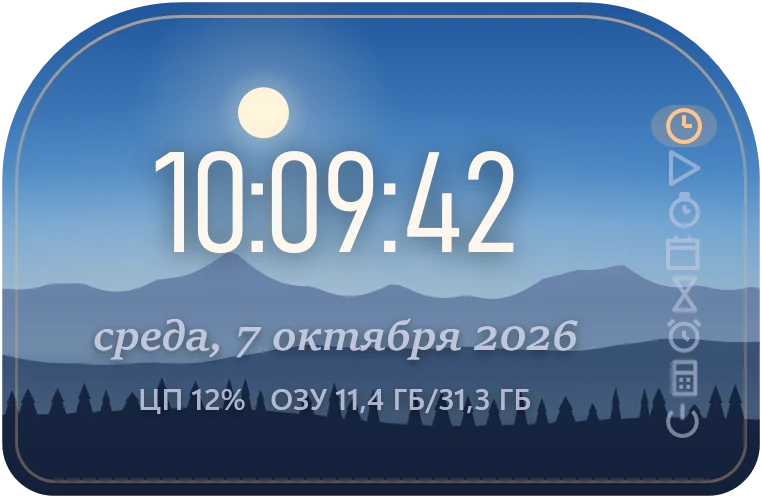
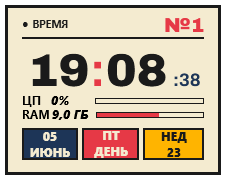
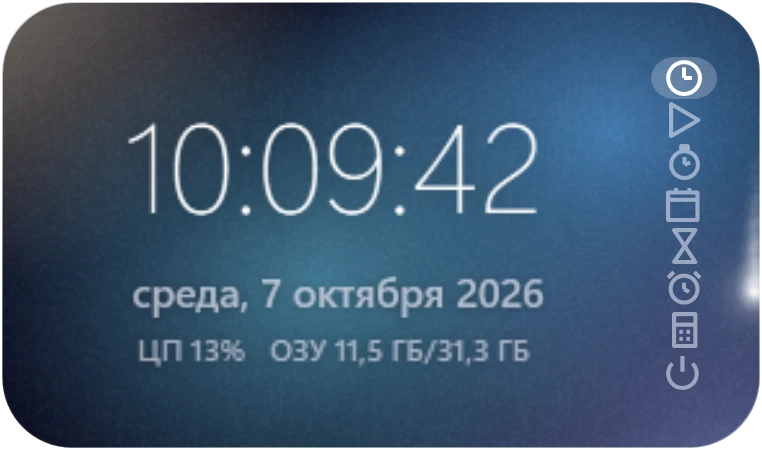
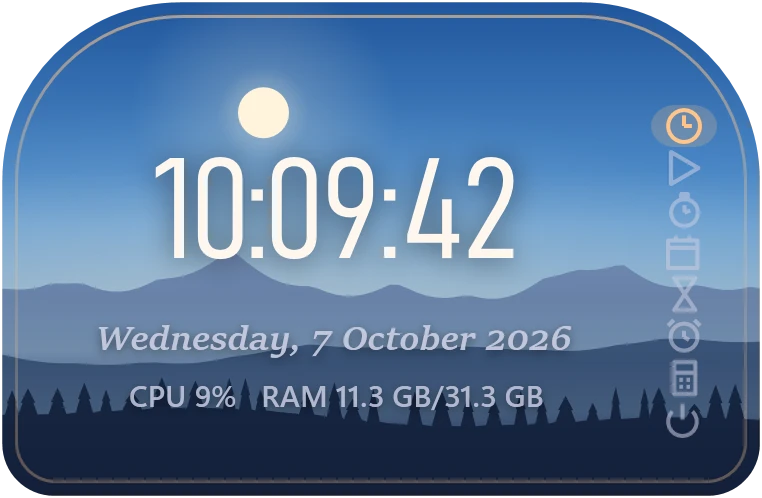
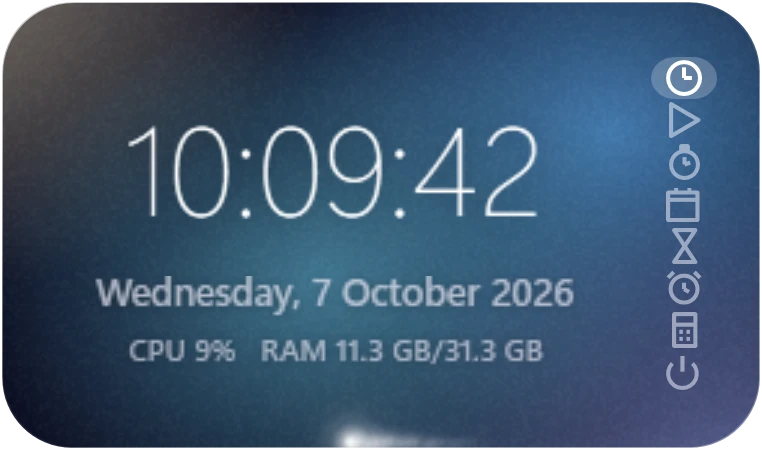
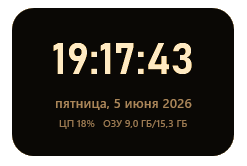
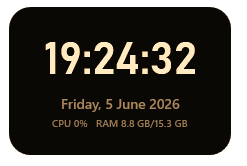
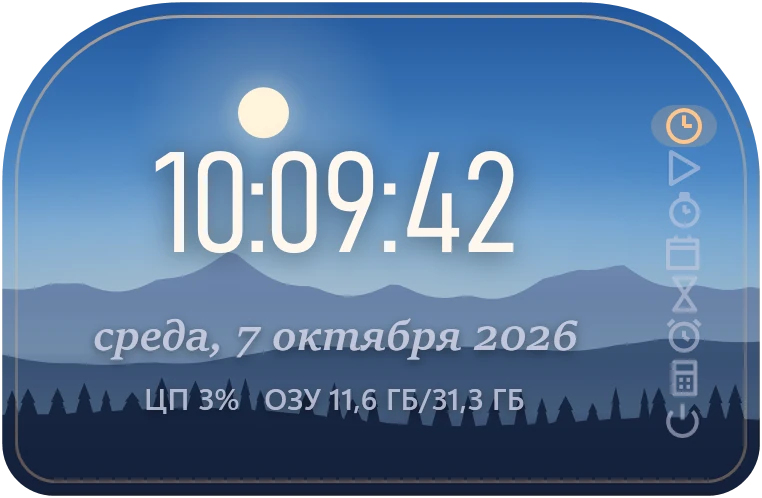
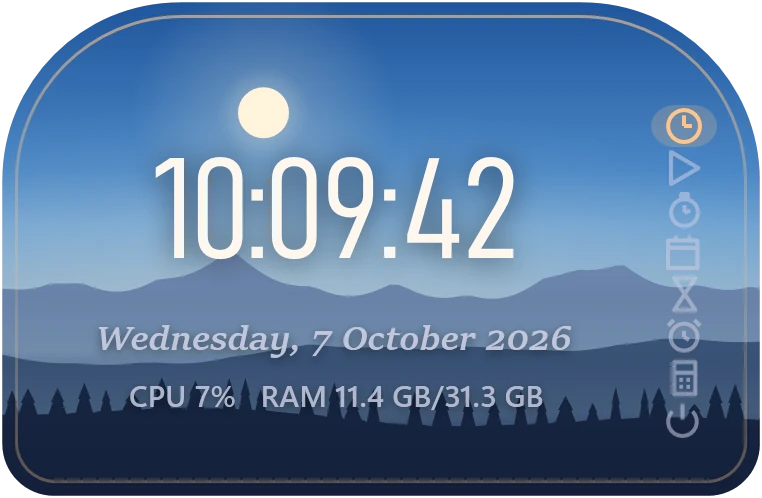
Big 24-hour digits with seconds. The day of the week and the date sit beneath the readout — in Russian or English. Two lines, nothing else.
- Format24h · HH:MM:SS
- Dateweekday + date
- Syncsystem clock
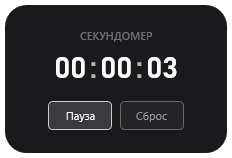
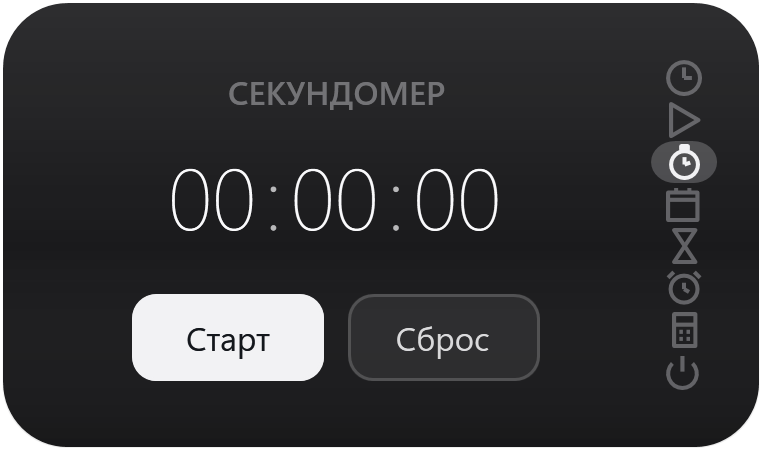
Stopwatch
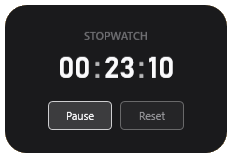
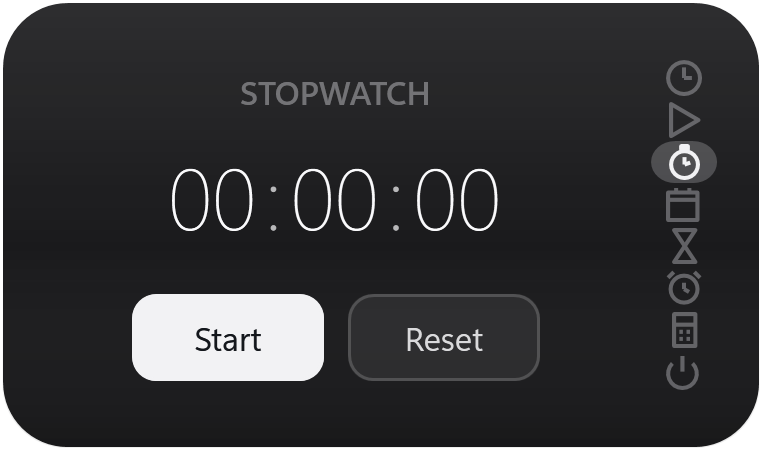
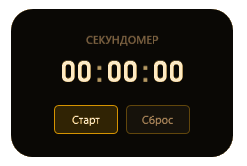
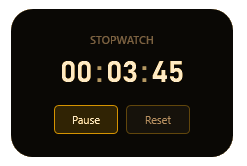
A simple count-up in hours:minutes:seconds. Two buttons — Start and Reset. Nothing else.
- FormatHH:MM:SS
- ControlsStart / Reset
- Resumesafter relaunch
Timer
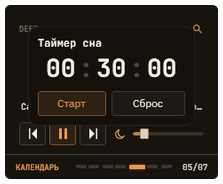
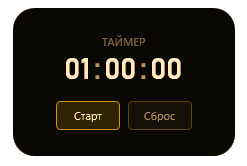
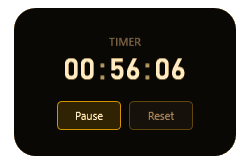
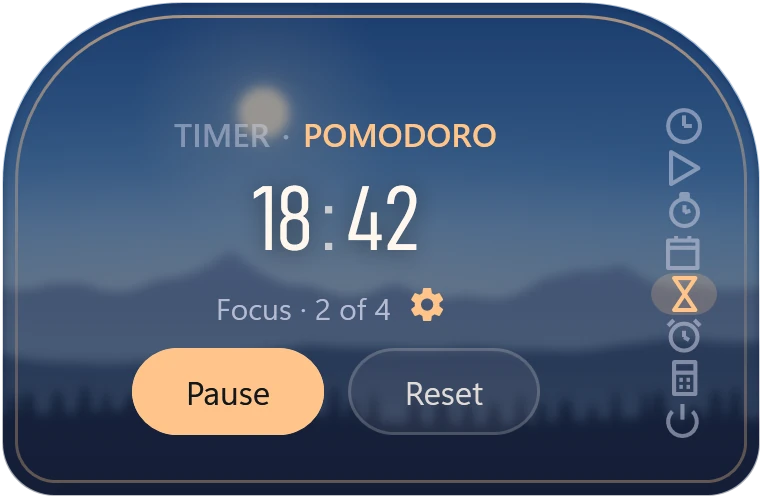
A countdown to the time you pick: big digits, Start and Reset, and a short chime at the end. The second tab is a Pomodoro timer: 25 minutes of focus and a break, with a long break after four rounds.
- FormatHH:MM:SS
- Max23:59:59
- Pomodoro25 · 5 · 15 min, Premium
Alarm
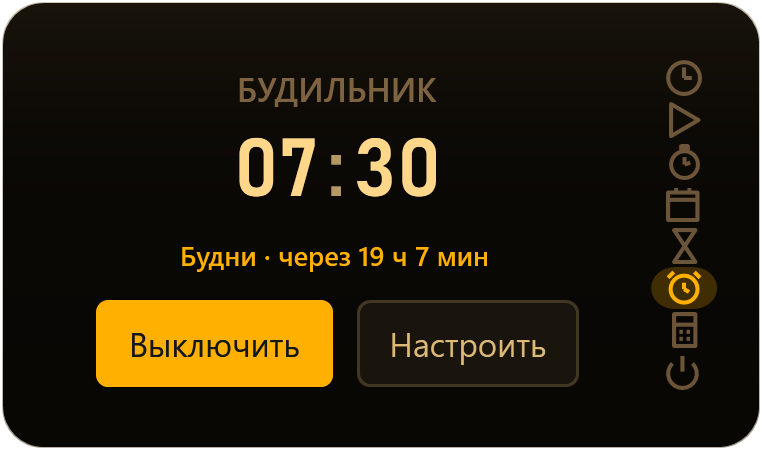
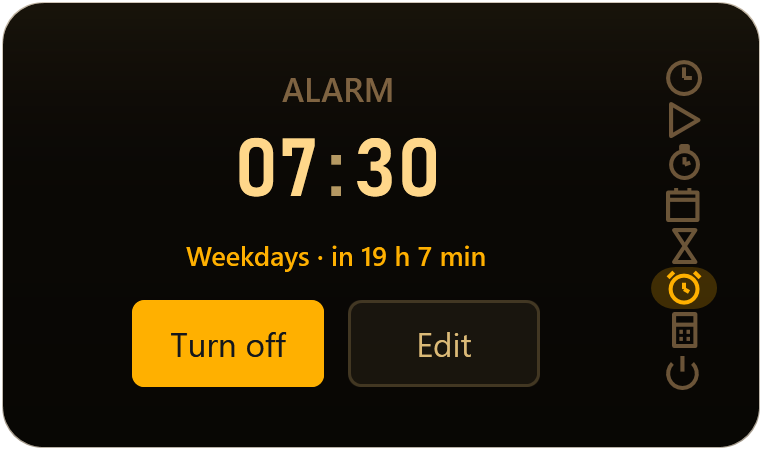
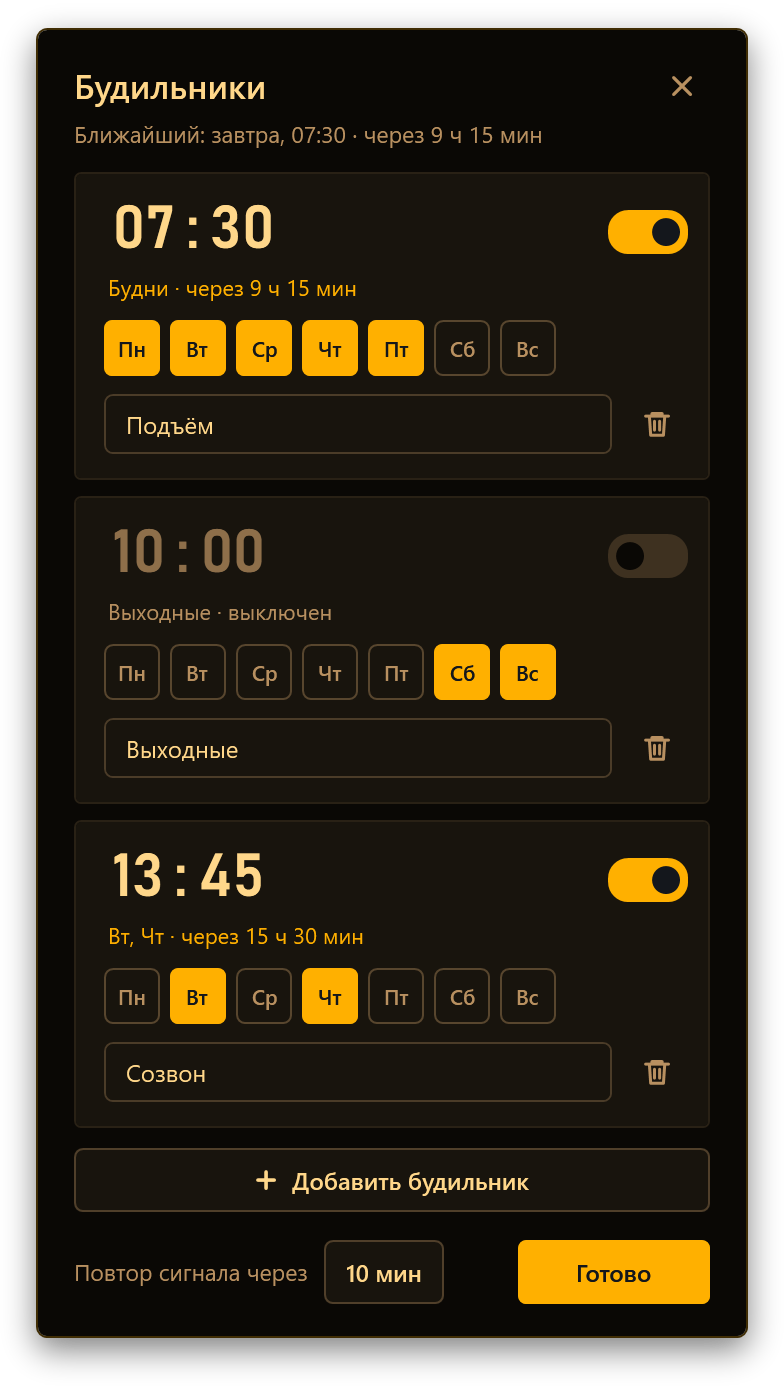
A time, repeat days and a label — say, “Wake up” on weekdays. The widget shows how long is left. The sound starts softly and grows louder, and you can snooze it for 5–30 minutes.
- Repeatby weekday
- Snooze5–30 minutes
- Limit1 · 10 with Premium
Calendar
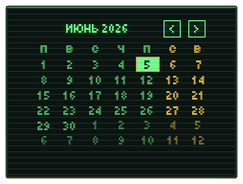
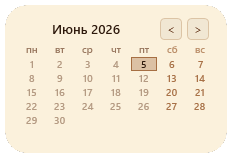
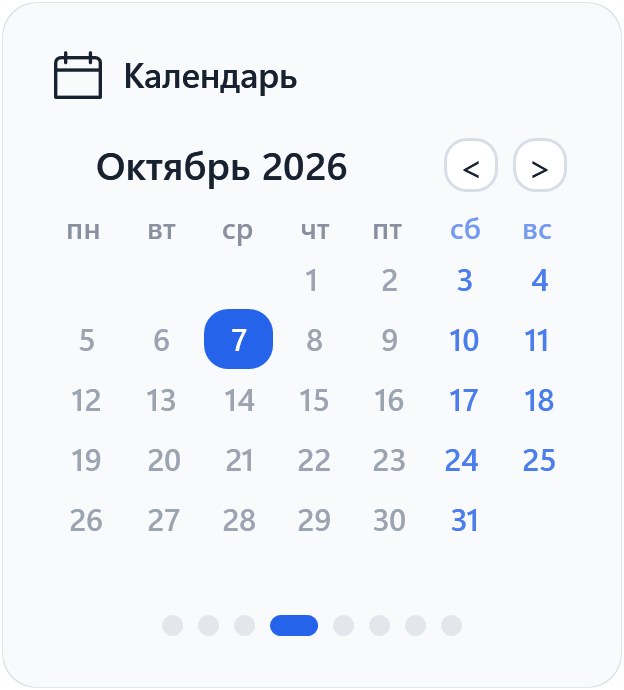
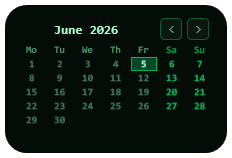
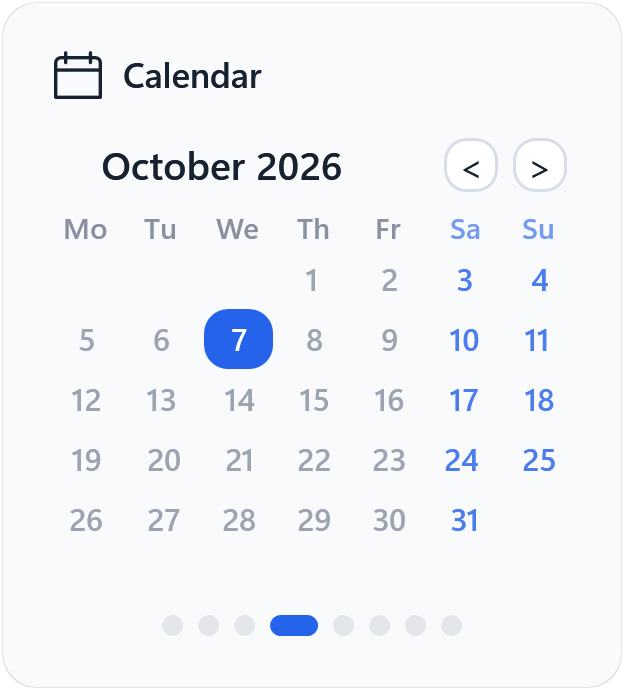
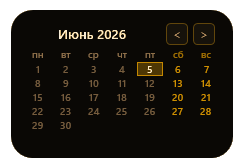
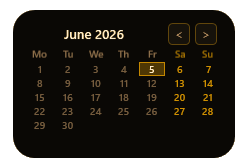
A full month on one screen with today highlighted. Click a day to note tasks, with a time and a reminder if you like. Days with tasks get a dot.
- Taskstime + reminder
- LanguagesRU · EN
- Remindfrom 0 min to a day
Calculator
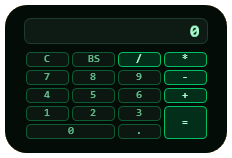
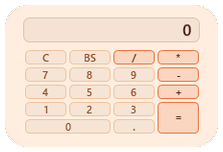
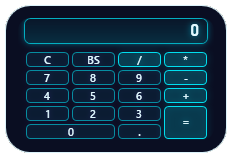
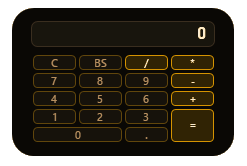
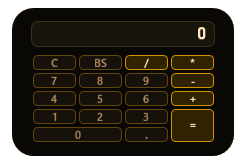
Four operations, a big display up top, ⌫ to undo a single character. Operators are picked out in the accent colour.
- Operations÷ · × · − · +
- Backspace⌫
- ClearC
Radio and music
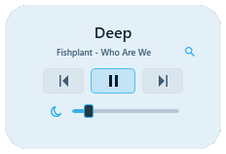
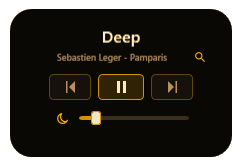
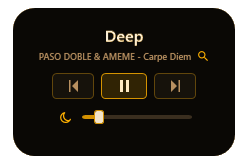
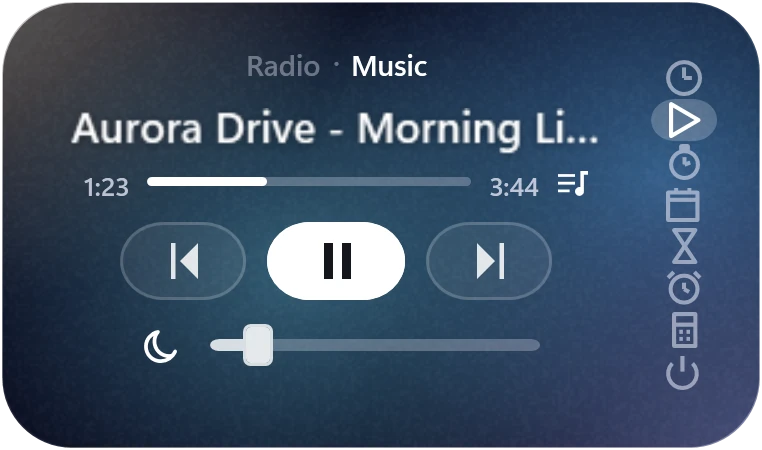
Add HTTP/HTTPS radio stream URLs and switch stations right in the widget: station name, current track, controls and volume. The Music tab plays songs from your own folder.
- URLsHTTP / HTTPS
- MusicMP3 · FLAC · M4A · WAV · OGG
- Sleep timeryes
PC shutdown
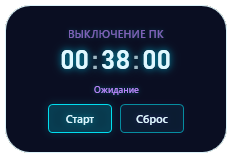
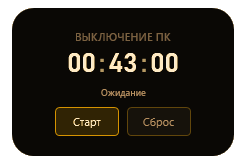
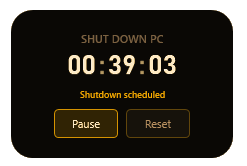
A countdown to a full PC shutdown. Below the digits is the current state (Waiting → Counting → Shutting down), then two buttons. One click to reset, if you change your mind.
- Max time23:59:59
- StatesWaiting · Counting · Off
- Command
shutdown /s
Premium features.
Ten Premium themes restyle every widget page. Pomodoro keeps your work in rhythm, your own music plays next to the radio, and the widget can tuck into the screen edge.
Four more themes are free: Frost Glass, Mono Slate, Sunrise and Ivory Dial. Taymio has 14 themes in all.
A Pomodoro timer.
The Pomodoro technique right on your desktop: the timer page has a Pomodoro tab. Focus for 25 minutes, rest for 5, and take 15 after four rounds.
- Breaks start on their own; the next focus waits for Start.
- The line under the digits shows where you are: "Focus · 2 of 4".
- Change focus and break lengths with the gear or the mouse wheel.
- A soft chime ends each phase, and a break can be skipped.

Your music, next to the radio.
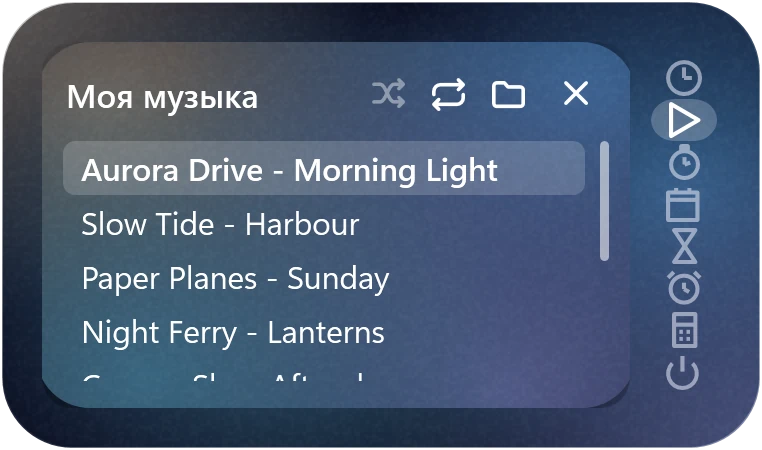
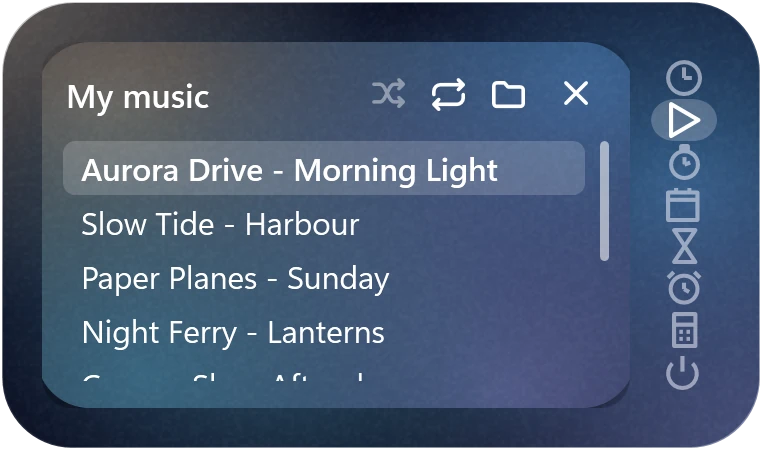
The radio page has a Music tab. Choose a folder or drop files onto the widget, and the songs from it and its subfolders show up in the list.
- MP3, FLAC, M4A, AAC, WAV, WMA, OGG and OPUS.
- A track list, shuffle, and repeat for one track or all of them.
- Songs you add to the folder appear in the list by themselves.
- The track and the point where you stopped are kept for next time.

Tucked into the edge.
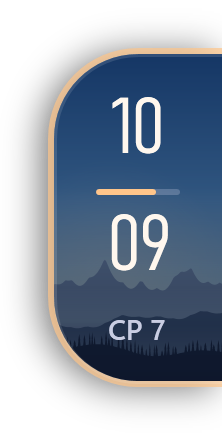
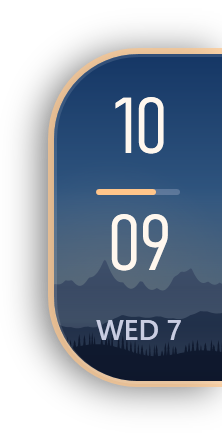
Put the widget at an edge of the screen: a side, the top or the bottom. Only a small clock stays in view, and the widget slides out when your pointer reaches it.
- The tab clock uses your theme's colours and type.
- The widget stays out while the pointer is over it and folds away when you leave.
- Drag it away from the edge and it is an ordinary widget again.
- Turn it on in Settings → Placement.

An alarm for every plan.
The free version includes one alarm. Premium allows up to ten: weekday wake-ups, a Tuesday call, a weekend workout.
- Each alarm has its own repeat days and label.
- Snooze for 5–30 minutes; the melody fades in gently.
- The ringing window follows your chosen theme.

Widget above your game.
Game mode helps keep Taymio above windowed and borderless games, so the clock, timer or radio streams stay close.
- Works with windowed and borderless mode.
- Regular always-on-top mode is included in Premium too.
- In exclusive fullscreen, Windows does not show regular app windows above the game.
Honest pricing.
The free basics stay forever. Premium adds ten themes, a Pomodoro timer, radio and your own music, PC shutdown, up to ten alarms, edge mode and page control.
A compact desktop widget with a clock, calendar and handy windows. Core features work without an account.
- Clock and calendar
- Timer and stopwatch
- An alarm and task reminders
- Calculator
- Basic themes and adjustable size
- Start with Windows
A one-time purchase unlocks all Premium features without expiry. One key works on one device.
- 10 Premium themes
- Pomodoro timer
- Radio streams and your own music
- Sleep timer for radio and music
- Scheduled PC shutdown
- Up to ten alarms
- Page order, hidden pages and startup restore
- CPU load and RAM usage display
- Opacity, free placement and edge mode
- Always on top and game mode
System requirements.
One process for all eight tools. No advertising telemetry or background updater. Autostart and basic usage statistics can be disabled in settings.
10 · 11
Version history.
This section lists the main Taymio releases: new features, interface improvements, and important fixes.
Common questions.
If your question isn't here, write to support@taymio.app. A real person replies, usually within a day.